


Online school group projects for students can create meaningful collaboration even when classmates join from different homes. The key is not simply putting students on a video call. A useful project gives everyone a clear purpose, a manageable role, a reliable way to communicate, and time to bring separate contributions together.
Learn about online learning options
What makes an online group project work?
In a strong project, students work toward one shared outcome while each person contributes something identifiable. That outcome might be a presentation, a model, a written explanation, or a comparison of ideas. The project should require students to exchange information or make decisions together, rather than divide the assignment into unrelated pieces that are pasted together at the end.
Online collaboration needs explicit structure. Students may have different schedules, devices, familiarity with the topic, or comfort speaking on camera. A teacher can define the task, set checkpoints, establish expectations for respectful discussion, and help a group resolve a problem before it stalls. The project should be appropriate to students’ age and the course’s objectives; a complex tool or a long list of steps does not automatically make an assignment more collaborative.
A review of online group projects in higher education discusses how educators can design and facilitate projects students find rewarding and valuable. The age group differs, but the broad design lesson is useful: structure and facilitation matter. Read the review of online group projects.
How do students collaborate when they are not in one room?
Students can collaborate through live discussion, shared documents, teacher-guided work time, and individual preparation between meetings. The right combination depends on the grade, assignment, and class format. A live class makes it possible to ask a question and hear classmates respond in real time. Independent work gives students time to research, draft, or practice before the group meets again.
At an online school, the learning model matters. Ideal School provides live classes from Kinder through 12th grade, while asynchronous classes are available from 4th through 12th grade. Families comparing a live online school experience with other formats should ask how students interact during instruction and where group work fits. Explore the school’s student experience as one way to frame those questions.
Group work can take place in a scheduled class, a teacher-led small group, or a sequence of individual contributions that the group reviews together. The project plan should say which interactions are expected. It should not assume every student has the same availability or that an online tool automatically creates teamwork. When the group has members in different time zones or with different home routines, an agreed response window and clear handoff point can prevent delays.
How should a group divide its work?
Start with the shared goal, then identify the smaller tasks needed to reach it. Roles make those tasks visible. For example, one student might gather evidence, another might organize the main points, and another might check that the presentation is easy to follow. Roles can rotate in later projects so students practice more than one skill.
- Restate the assignment. In their own words, students agree on what they are making and what a complete result includes.
- List the steps. Break the work into research, drafting, review, and presentation or submission.
- Choose roles together. Match tasks to the assignment and make sure each person has a meaningful contribution.
- Set checkpoints. Choose a time to share progress before the final deadline.
- Review as a group. Check that the pieces connect and that everyone can explain the final result.
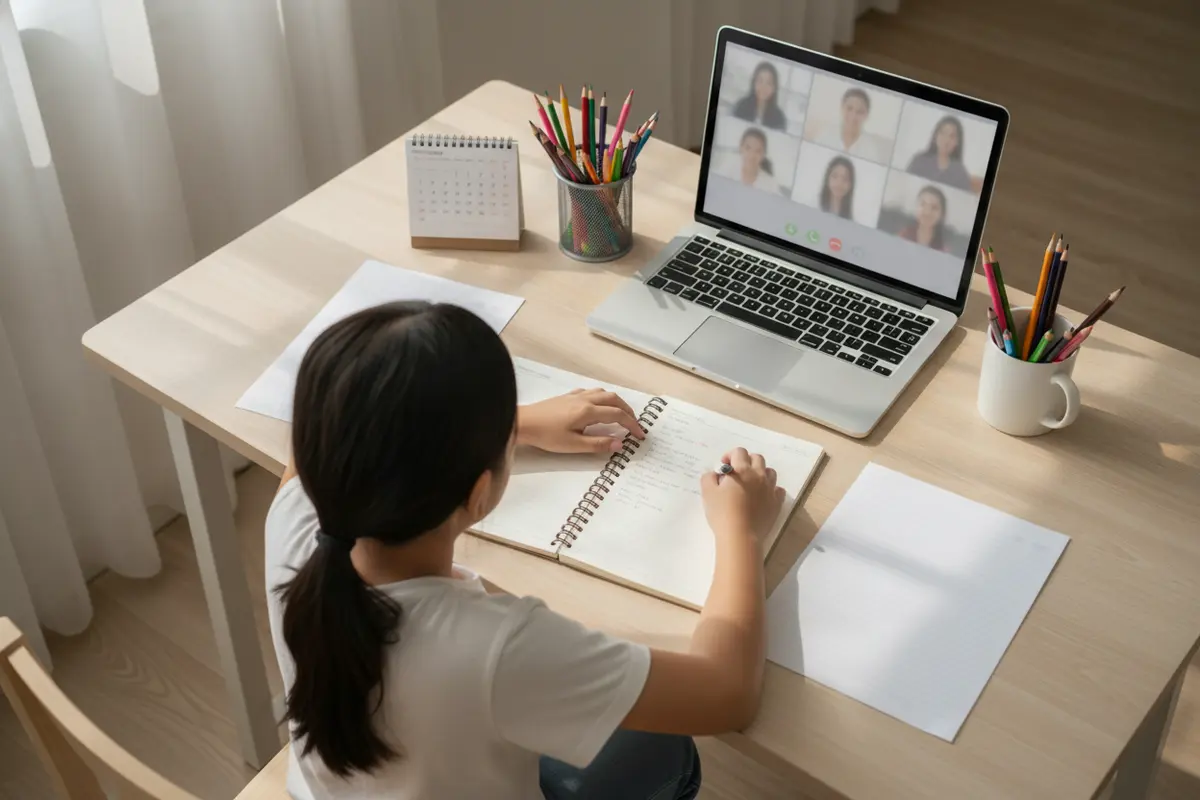
A concrete example helps. Suppose a group is preparing a short presentation about how plants grow. One student finds reliable information about light, a second explains water and soil, and a third assembles a clear sequence of slides. Before the presentation, every member reviews the explanation and checks that the parts fit together. The roles organize the work, but the shared review makes the result a group product rather than three disconnected reports.
Roles should not become permanent labels. A student who often presents can try organizing evidence, while a student who usually researches can practice speaking. The aim is a fair contribution and a chance to learn, not assigning the same strength to one person every time. Teachers can also make individual learning visible by asking each student to explain one decision or describe how the group reached a conclusion.
Which communication habits prevent confusion?
Agree on a simple routine before work begins. Students should know where to ask questions, how to share a draft, and when to expect a response. Keep messages focused on the project. A short update can state what is finished, what remains, and what help is needed. For instance: “I found two sources for the first section; I need the group to choose which example to use by Thursday.”
- Use one agreed place for project files and updates.
- Write clear messages that name the task or question.
- Allow reasonable time for classmates to reply.
- Confirm decisions and deadlines in writing.
- Ask the teacher for help if a group cannot resolve a disagreement.
It helps to distinguish a message that needs an immediate reply from one that can wait until the next class. Students can agree to flag urgent questions in the way the teacher permits, while ordinary progress notes can be checked at the next scheduled work period. A shared document should have clear file names and a simple version routine, so students are not editing different copies without realizing it.
For younger students, a teacher or parent may need to help them locate materials and understand the next step. Older students can take more responsibility for tracking tasks and communicating directly with classmates. Support should fit the student’s age and school expectations, while leaving room for students to make choices and learn from them.
How can teachers guide collaboration without doing the work?
Teacher guidance is most effective when it helps students move forward while keeping the thinking with them. A teacher can model how to listen, ask a follow-up question, compare evidence, and invite a quieter classmate into the conversation. During a project, brief check-ins can reveal whether the group understands the goal and whether responsibilities are balanced.
A useful check-in asks for evidence of progress, not just “Are you done?” A teacher might ask the group to show its outline, identify an unresolved choice, or explain which contribution is still needed. If a group is stuck, a prompt such as “What do you already know, and what is the next question?” can help students find a direction without supplying the answer.
Clear criteria also help. Students should know what the project will be evaluated on: accuracy, explanation, collaboration, presentation, or another stated goal. If the assignment assesses both a shared product and individual learning, students can see that cooperation does not erase personal accountability. Families can review teacher information and the school’s accreditation information while preparing questions about instruction and expectations.
What can families do to support a project at home?
Families do not need to manage the project for the student. A calm workspace, a predictable work period, and a brief check-in can help students follow through. Ask the student to explain the next step rather than supplying the answer. If a deadline or group communication issue becomes difficult, encourage the student to contact the teacher through the school’s approved channels.
A family guide to distance learning from Columbia University’s Center for Public Research and Leadership emphasizes working with a school and building trusting relationships. See the family guide to distance learning. A supportive home routine and clear school communication can complement each other without making a parent the project manager.
Families can provide practical support without taking over. Help the student check that a device is charged, locate the assignment instructions, and reserve a manageable block of time. Then invite the student to describe the plan: what will be completed now, what must be shared, and what question may need teacher input. This conversation builds planning habits while keeping responsibility with the learner.
When a student reports that another member is not participating, listen first and ask what has already been tried. Encourage a respectful reminder that identifies a task and date, rather than a judgment about the classmate. If the response does not resolve the issue, the student should tell the teacher while there is still time to adjust the plan. Families considering program options may review tuition information and ask how a class’s schedule and project expectations work in practice.
How do project expectations differ by format?
| Project setting | How students may work together | What to clarify |
|---|---|---|
| Live class | Discuss ideas and receive guidance during scheduled instruction. | When the group meets and how each student participates. |
| Asynchronous class | Prepare or complete assigned work at different times, with planned opportunities to share if provided. | How collaboration is organized and what response timeline applies. |
| Mixed individual and group steps | Complete research or drafting individually, then combine and review contributions. | Who brings the pieces together and when the group checks its progress. |
This table describes practical questions to ask, not a guarantee that every course uses each format. Families should confirm the actual grade range, schedule, and project expectations for the program they are considering. Ideal School’s published ranges are live classes from Kinder through 12th grade and asynchronous classes from 4th through 12th grade.
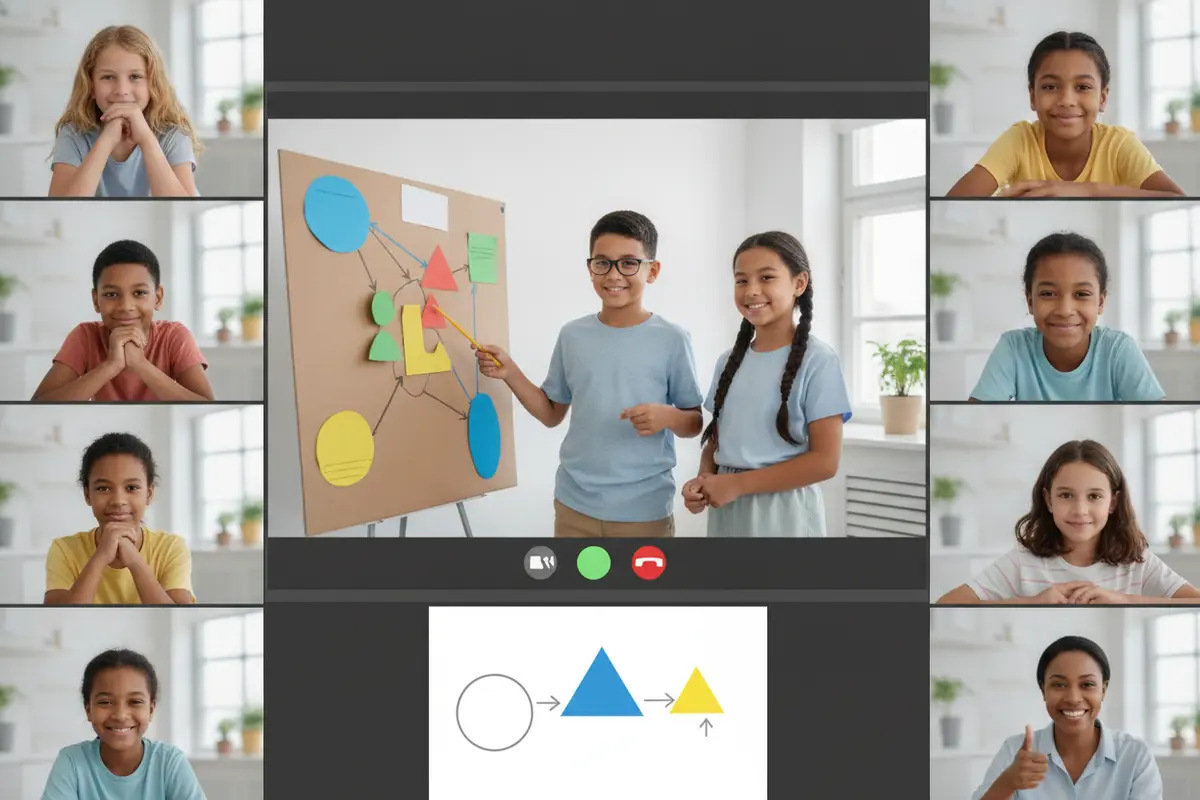
The formats call for different planning choices. In a live class, a teacher may structure discussion within a scheduled lesson, but students still benefit from a visible task list and individual responsibilities. In an asynchronous setting, a shared deadline alone may not be enough: students need intermediate handoffs, such as a research note due before a draft and a review date before final submission. A mixed sequence can combine independent preparation with a planned meeting to compare findings and make decisions.
Families can ask practical questions rather than assume that all online courses handle collaboration in the same way:
- Is the project completed during class, between class sessions, or in both places?
- Does each student have an individual task as well as a shared outcome?
- How do students share work and receive feedback?
- What should a student do when a classmate is unavailable or a group misses a checkpoint?
- Which participation options are available when speaking live is difficult?
These questions help families understand the experience without assuming that every course uses the same platform, schedule, or group format. Ideal School’s full-day program information can be a starting point for clarifying the live learning model.
How can students handle common project problems?
Most groups encounter a small obstacle: a task takes longer than expected, two students prefer different approaches, or one person is unsure what to do next. A short problem-solving routine keeps the discussion focused on the assignment instead of turning the problem into a personal criticism.
- Name the issue plainly. Say which task or decision is blocked.
- Check the shared understanding. Revisit the assignment, role list, or deadline to see whether instructions were interpreted differently.
- Offer options. Suggest two practical next steps and consider which one serves the project goal.
- Agree on an owner and time. Record who will do what and when the group will check again.
- Ask for help early. If the group cannot move forward, bring the specific question to the teacher.
For example, if a group cannot agree on which evidence to include, each student can explain why their source supports the main idea. The group can compare the information against the assignment criteria, select the clearest evidence, and note any remaining uncertainty for the teacher. This turns disagreement into an evidence-based choice. If a teammate has missed a deadline, the group should first clarify whether the task and timing were understood, then contact the teacher if the delay threatens the shared work.
How can students reflect after the project?
After submitting or presenting the work, students can name one thing the group did well and one change they would make next time. They might consider whether roles were clear, whether messages arrived in time, and whether everyone had a chance to contribute. Reflection turns a single assignment into practice for future collaboration.
A short review can be specific rather than general. Instead of writing “communication was good,” a student might note that posting a decision in the shared file helped everyone stay aligned. Instead of “we ran out of time,” the group can identify the step that took longer than expected and decide to schedule an earlier checkpoint next time. Such observations are useful because they lead to an adjustment the group can try.
It also helps to distinguish a process problem from a personal conflict. A missed checkpoint may mean the group needs a clearer schedule. A disagreement about an idea may be productive if students explain their reasons respectfully. When a concern cannot be resolved, students should ask the teacher for guidance rather than letting confusion continue.
Families comparing schools can explore the online school model and use specific questions about class interaction, available formats, and teacher guidance to evaluate fit. The details matter more than an assumption that every online project follows one pattern.
Explore whether online learning fits your family
Frequently asked questions
Do online group projects require students to meet outside class?
Not always. Some assignments can be completed during scheduled class time or through planned individual contributions. Families should ask when collaboration happens and whether meetings outside class are expected.
How can a student contribute if speaking on camera feels uncomfortable?
Contribution can include research, writing, organizing ideas, or asking questions in an approved format. The teacher can clarify participation expectations and help the group make space for different communication strengths.
What should students do if a teammate does not complete a task?
First, send a clear, respectful reminder and check whether the task or deadline was understood. If the issue remains, tell the teacher promptly so the group can get guidance before the final due date.
Are group projects the same in live and asynchronous classes?
No. Live classes allow real-time discussion during scheduled instruction. Asynchronous classes have a different pace, so families should ask how students communicate, receive feedback, and coordinate shared work in that specific course.
With a clear shared goal, manageable roles, thoughtful teacher guidance, and a simple communication plan, students can learn to collaborate across distance and take pride in work they create together.

Written by
Eric C. Franzen
Eric C. Franzen is co-founder and owner of Ideal School, with 20+ years of experience as an educational leader and entrepreneur. He holds a BA in Education from the University of Washington and an MA in Educational Administration from Seattle Pacific University.
View LinkedIn Profile →